Magic Keyboard For XiaoMi Pad 5 Pro 11 Inch Mi Pad 5 MiPad 5/5 Pro 2021 Smart Case Folio Multi-touch Trackpad Backlight Keyboard


Magic Keyboard For XiaoMi Pad 5 Pro 11 Inch Mi Pad 5 MiPad 5/5 Pro 2021 Smart Case Folio Multi-touch Trackpad Backlight Keyboard
SPECIFICATIONS
Application Laptop Size: 11"
Battery Included: Yes
Brand Name: AJIUYU
Choice: yes
Compatible Brand: Xiaomi
High-concerned chemical: none
Material: PU
Model Number: Magic Keyboard
Origin: Mainland China
Package: Yes
Pattern Type: Solid
Rechargeablebatteryincluded: No
Style: fashion
Type: With Keyboard
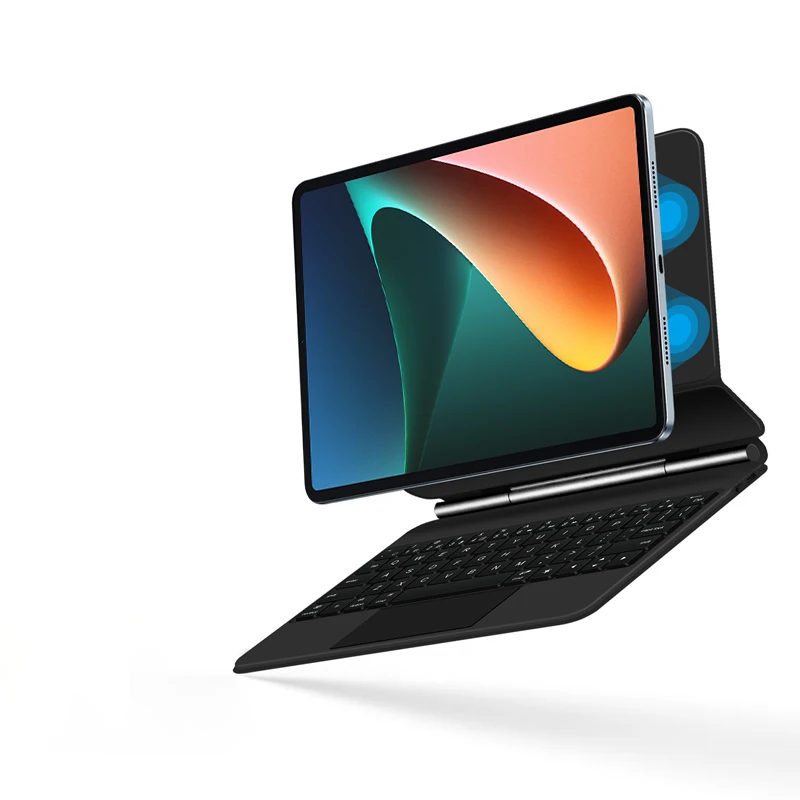
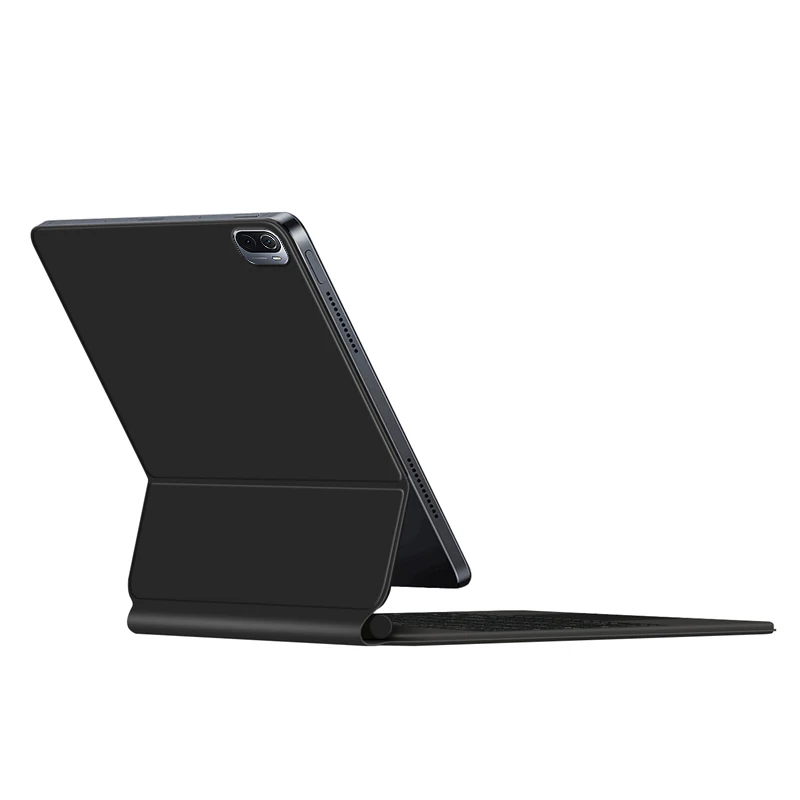
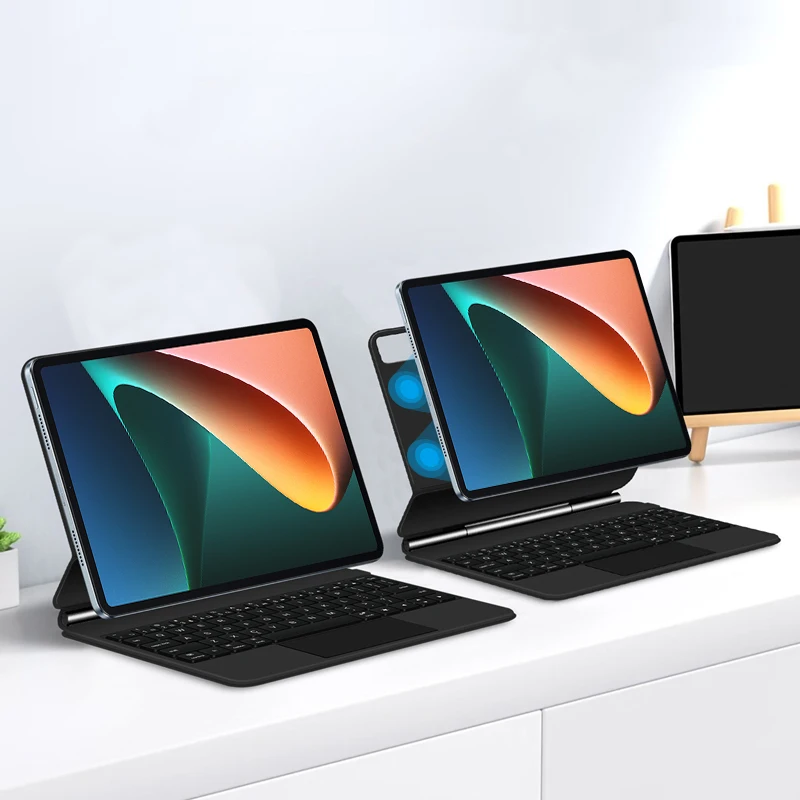
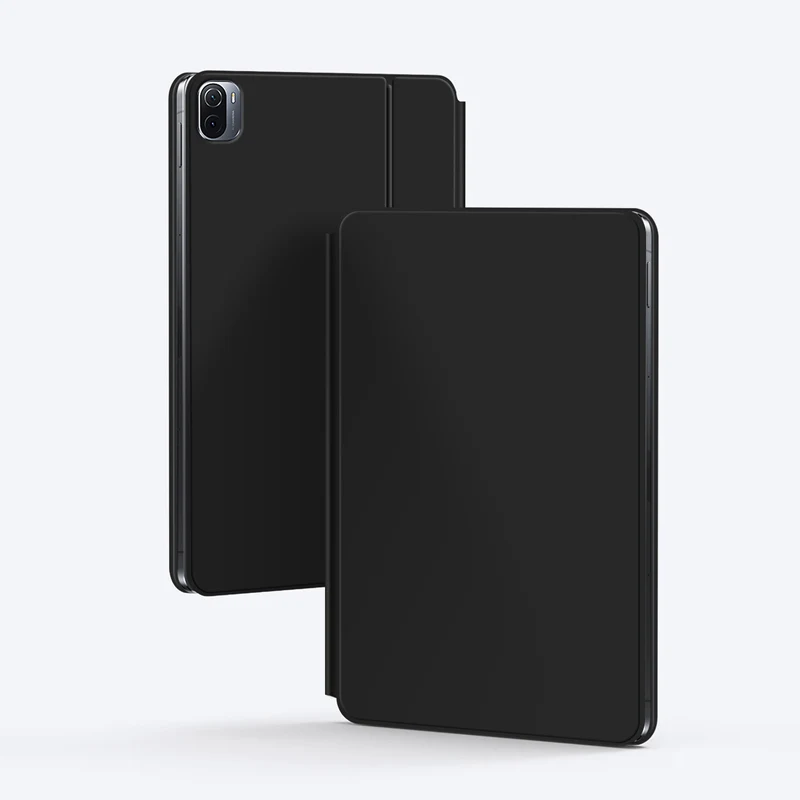
For Xiaomi Pad 5 & 5 Pro 11 Inch 2021 Magic Keyboard
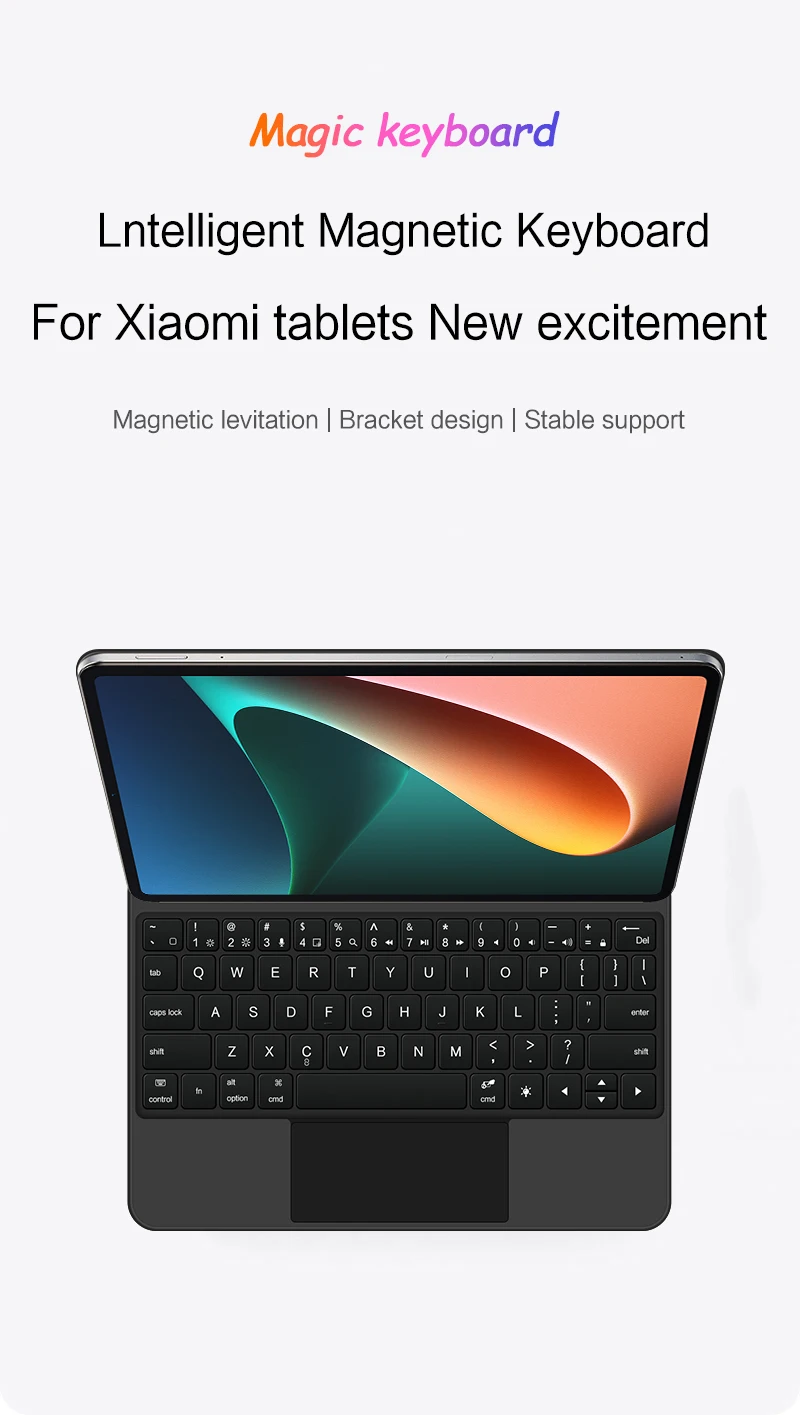
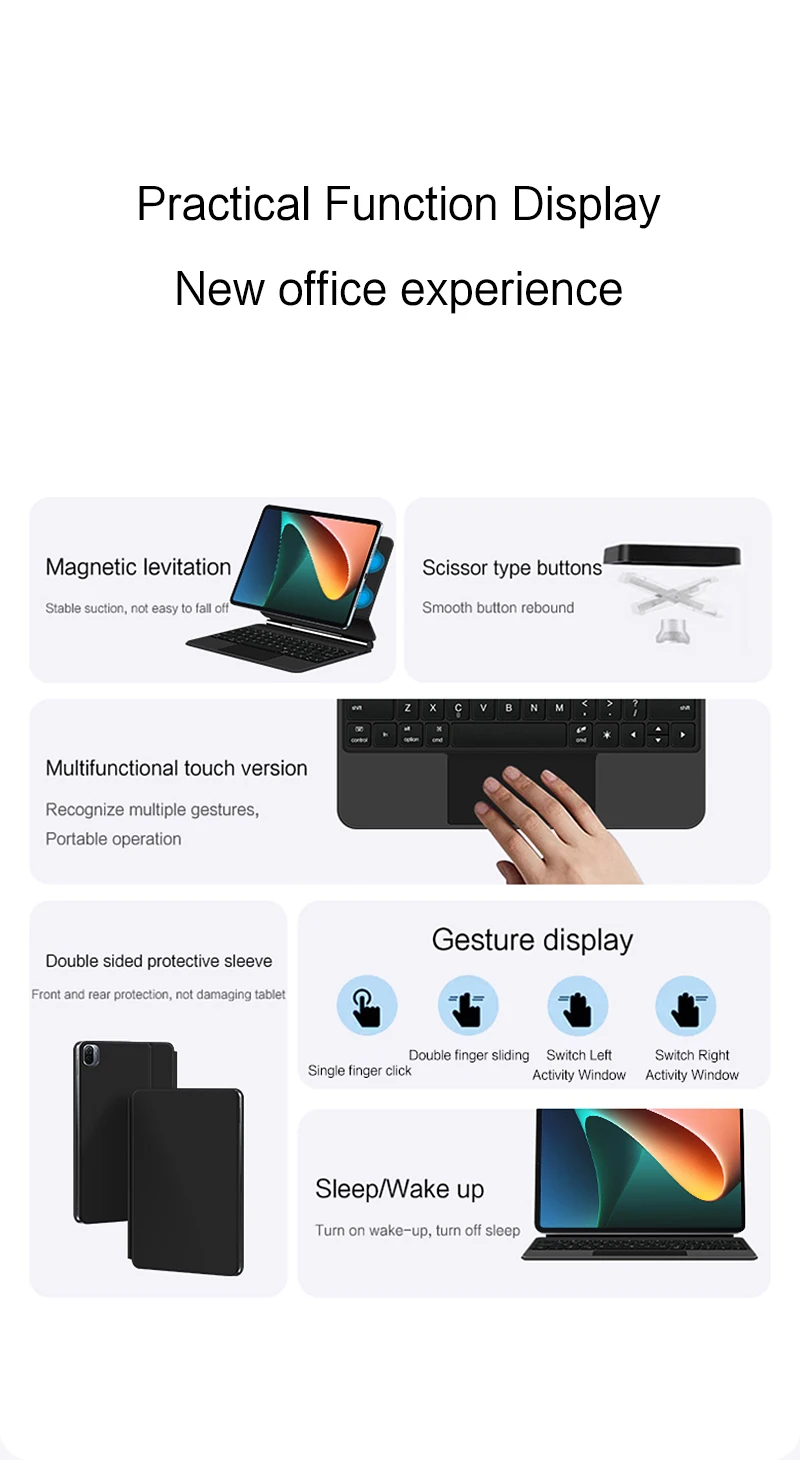
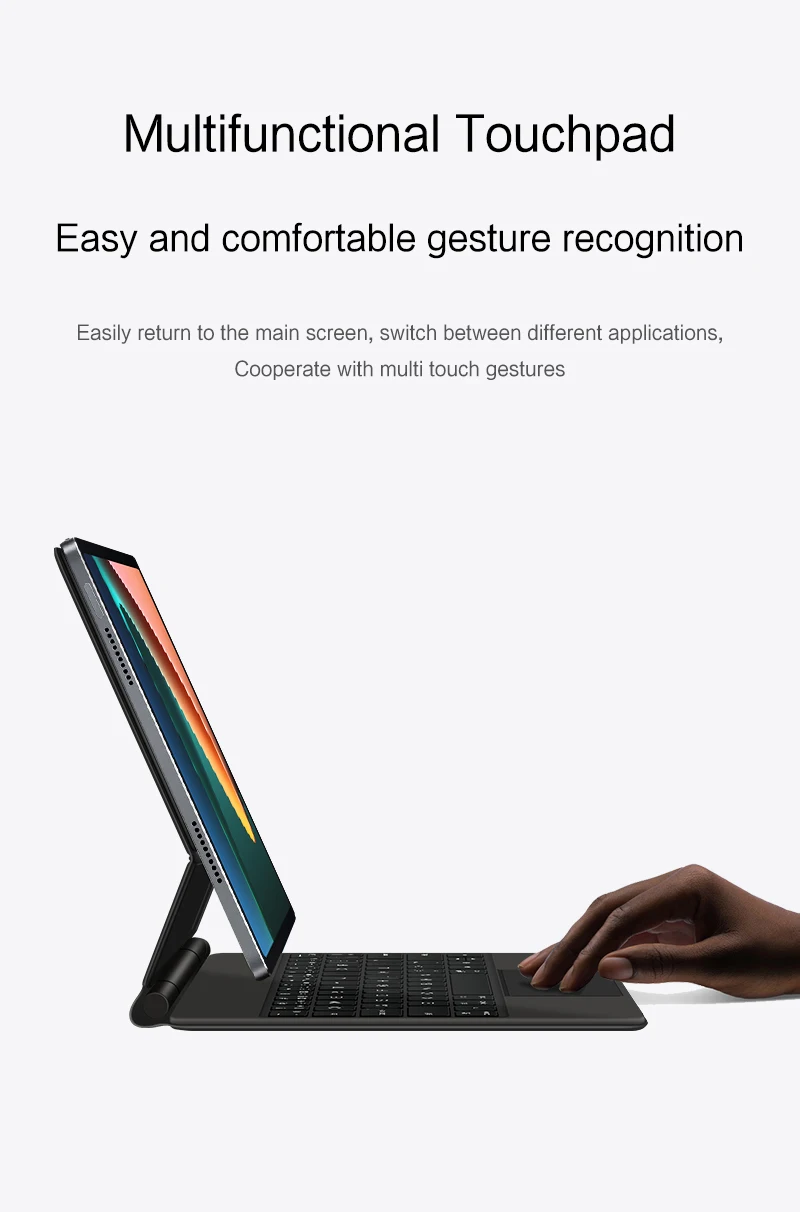
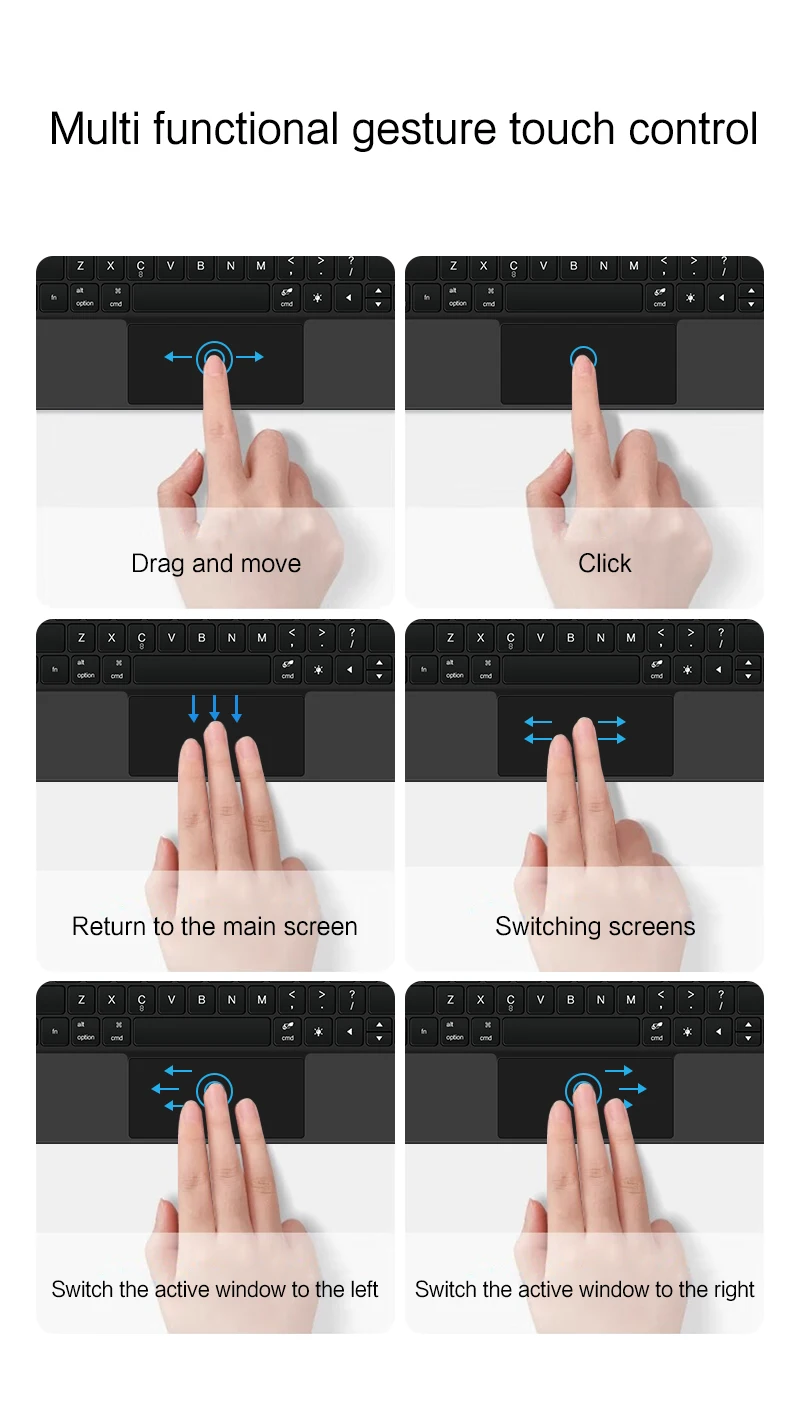
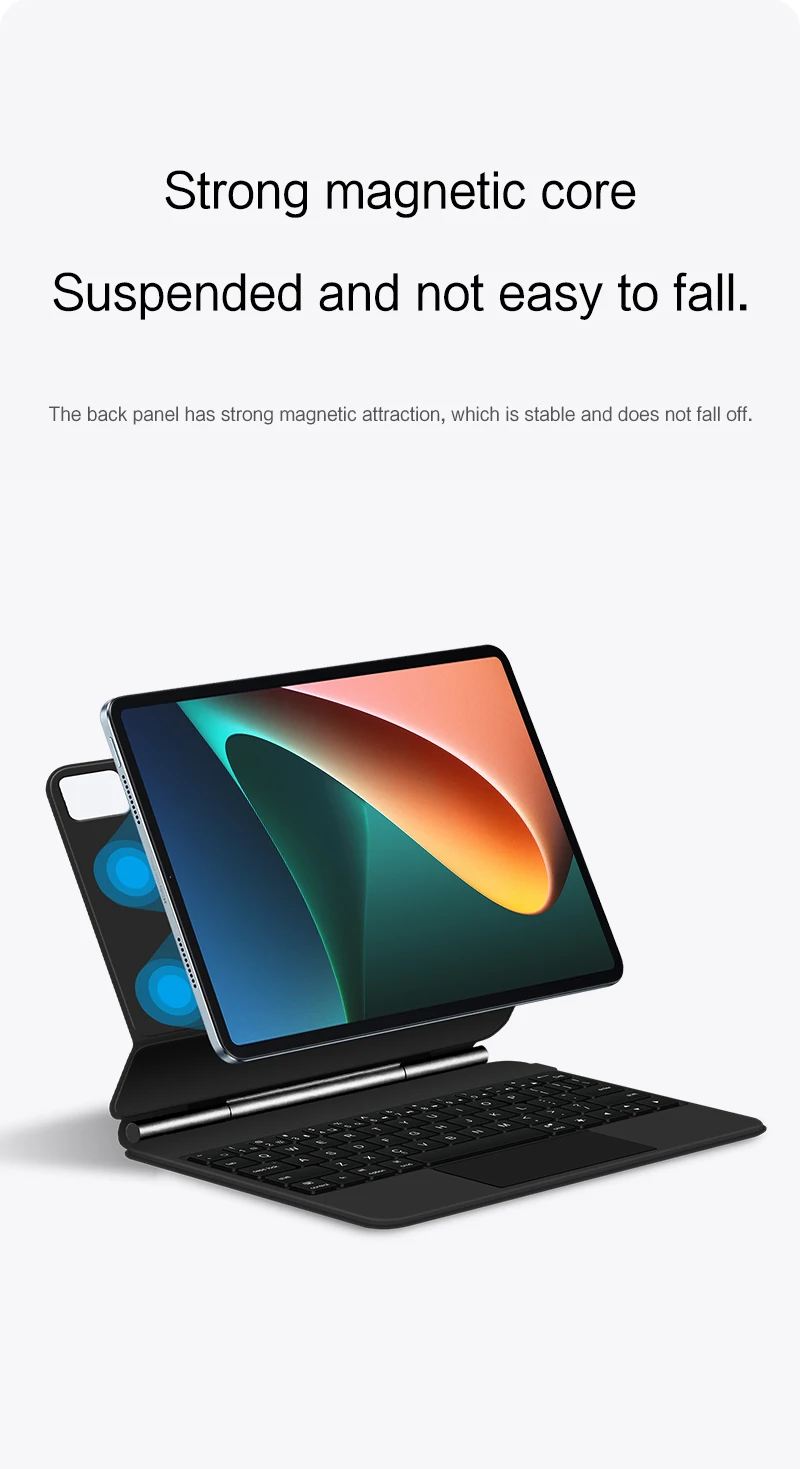
Magnetic separation, backlight, touch panel, multi angle support、Wireless Bluetooth connection
Note 1:You need to upgrade iPad iOS to version 14.5 or higher to use the touchpad.
Note 2:Please check in the size and detail model of your Tablet. it is very importtant ! ! !
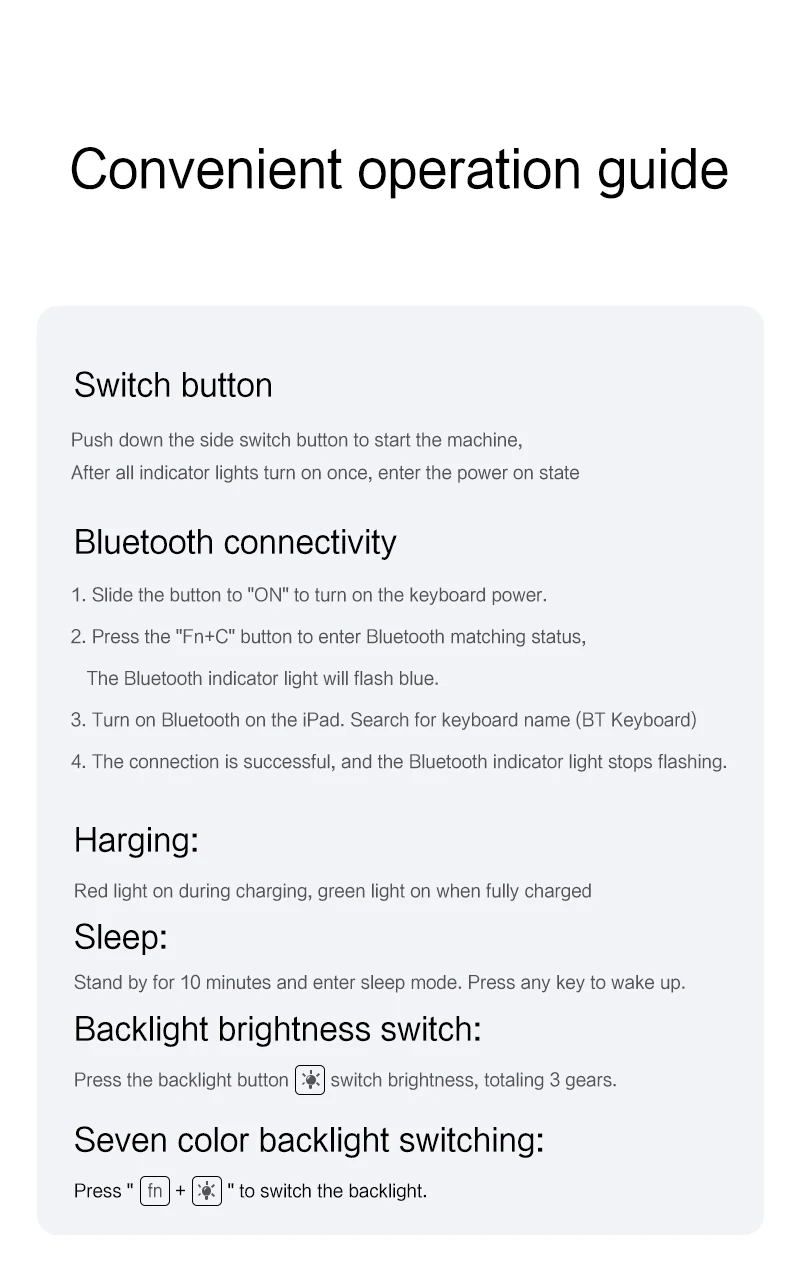
Note 2:After Open the Power, Please Click "Fn" and "C" 【Fn+C】Button Together to Open the Keyboard's Bluetooth. It is Very Important.
Please confirm your machine model before purchasing. The packaging does not include tablets and pencils!
How To Verify Your Tablet Model
1.Find the "Settings"--Click the "About"--Find the "Model"
2.Please select the correct model number for your tablet purchase after viewing it.
Compatible models :
For Xiaomi Pad 5 / 5 Pro 11 inch 2021 .
Only official genuine machines can be magnetically used(Not compatible with other 'imposters')
Please confirm your machine model before purchasing to avoid purchasing errors !!
Note: Tablet and stylus are not included in the packaging!!
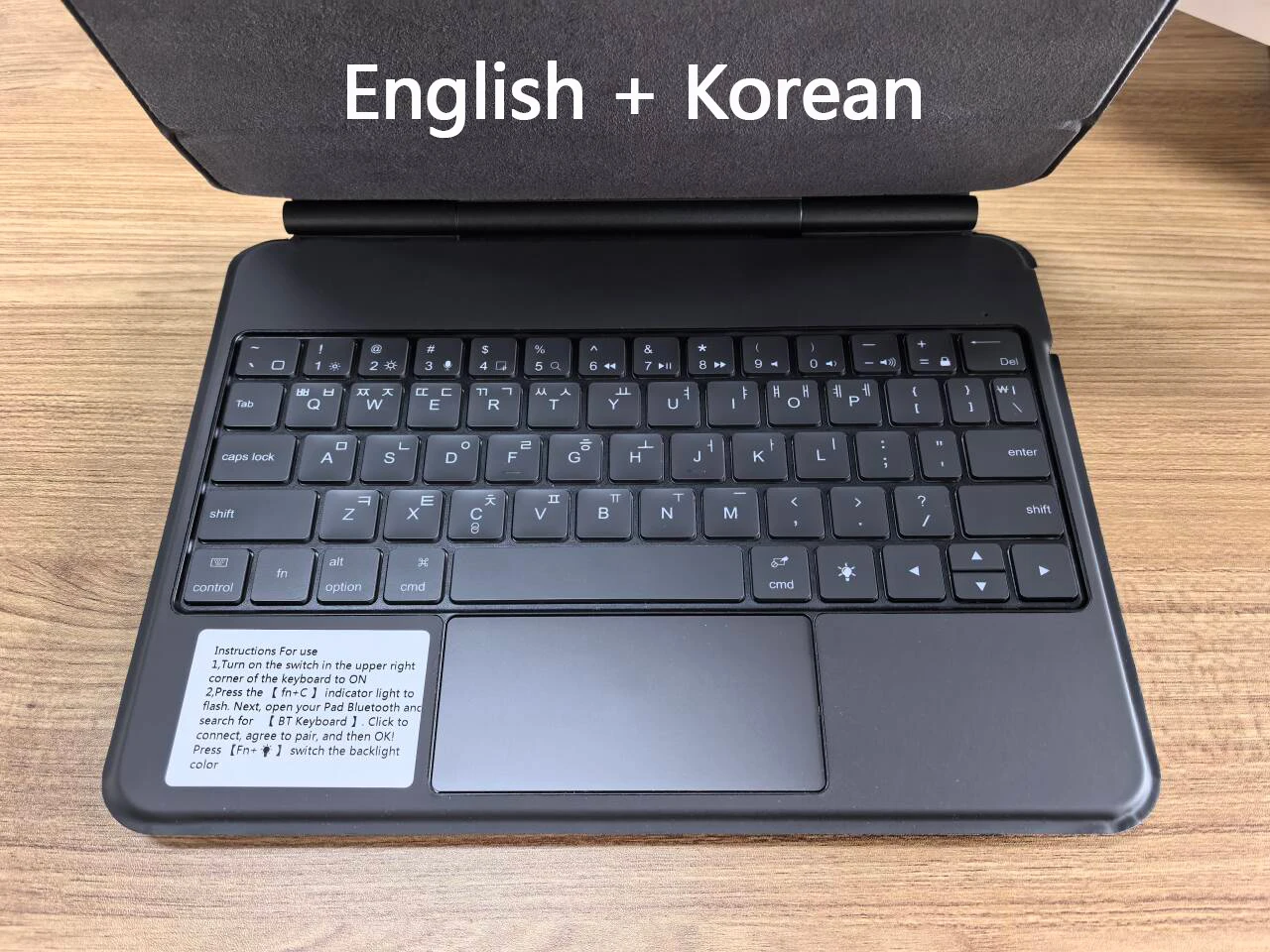
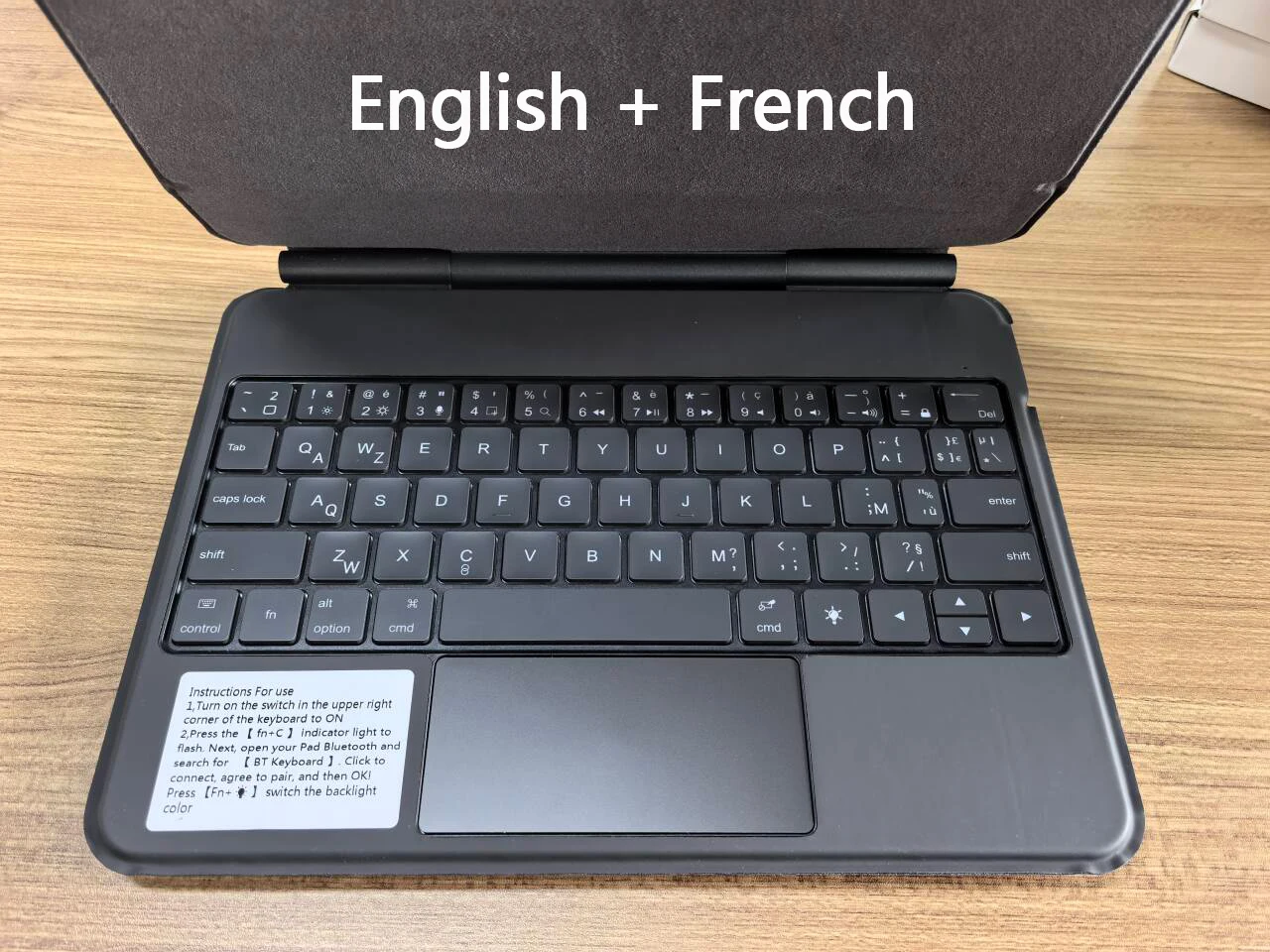
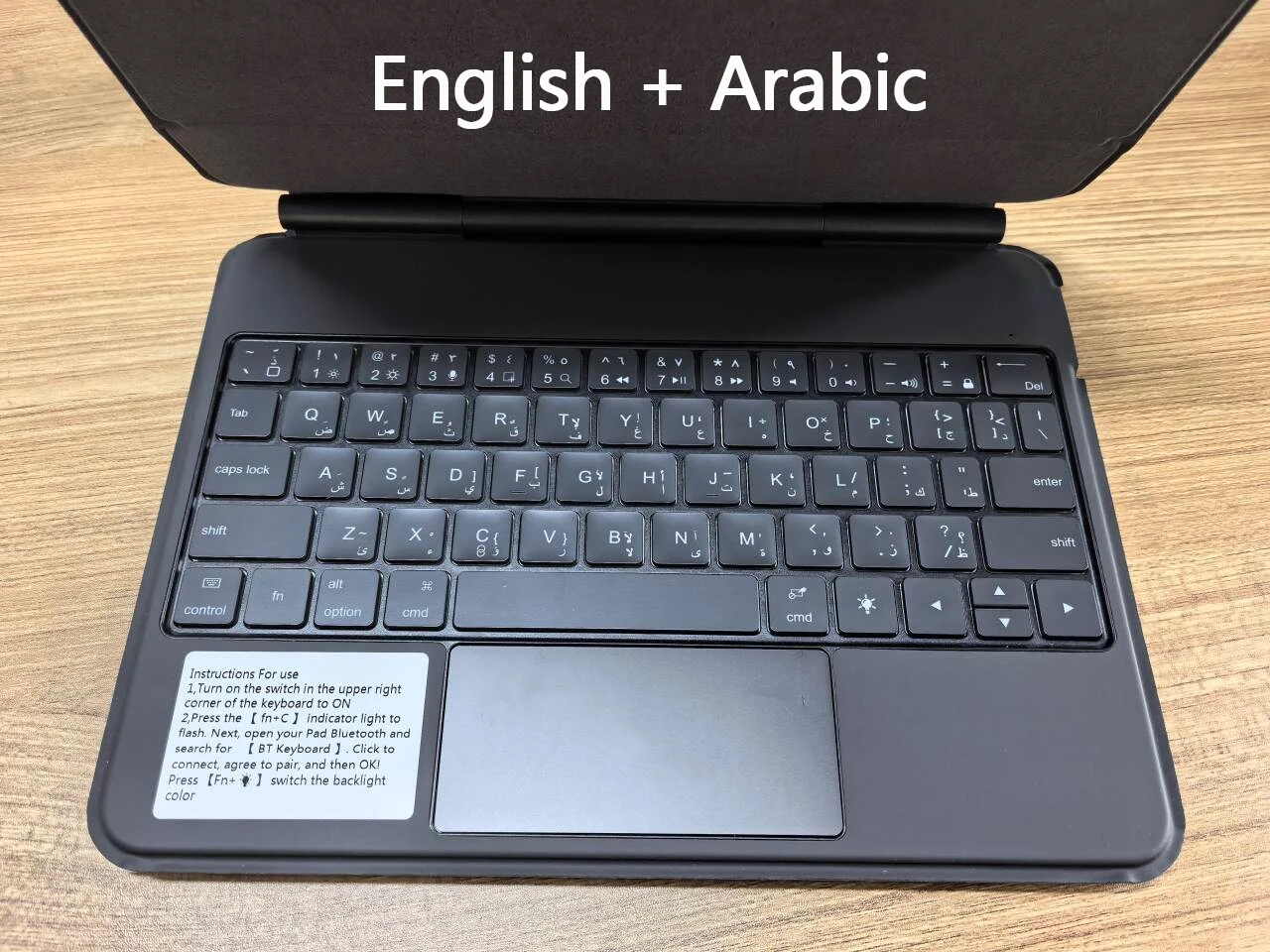
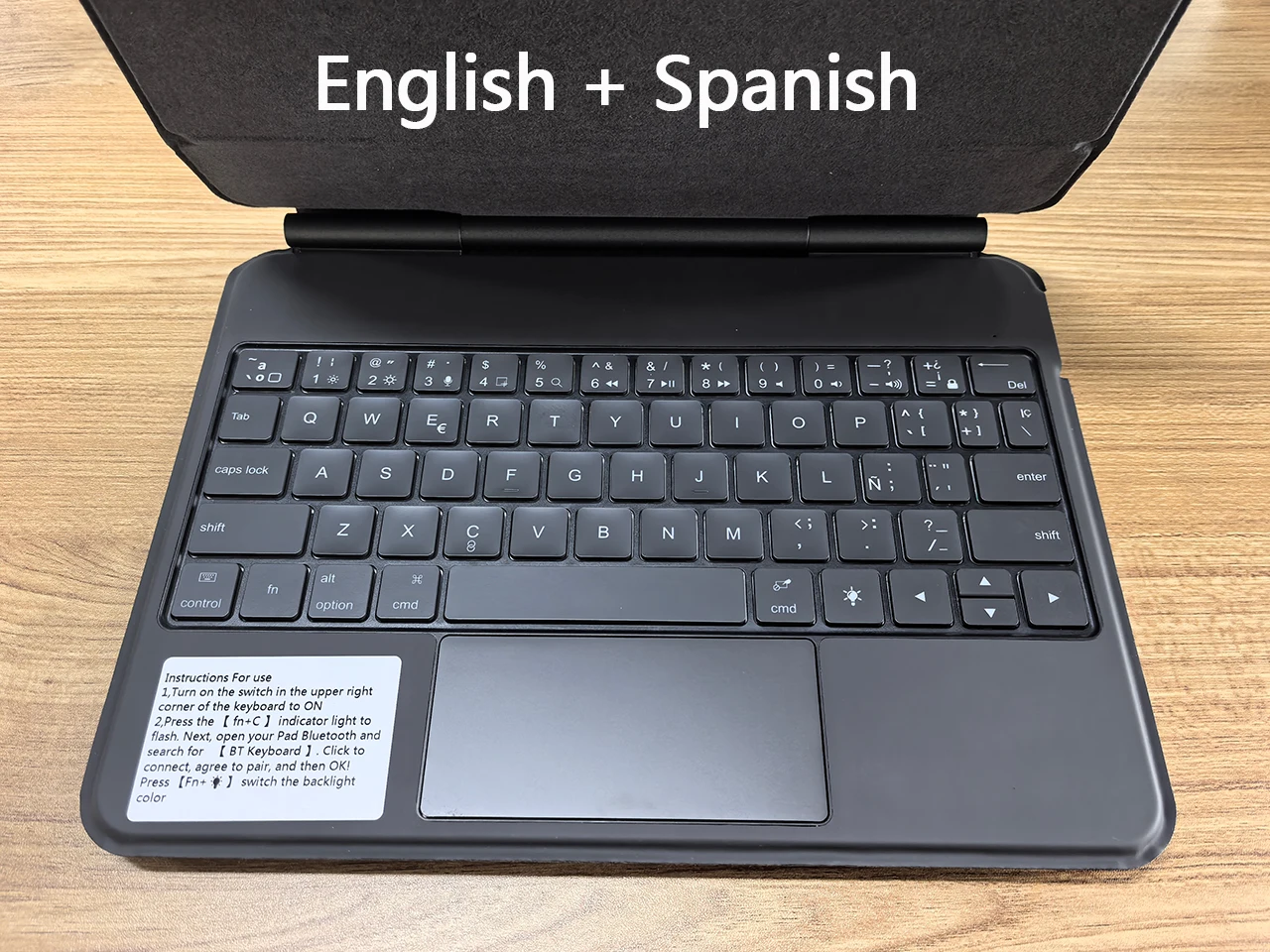
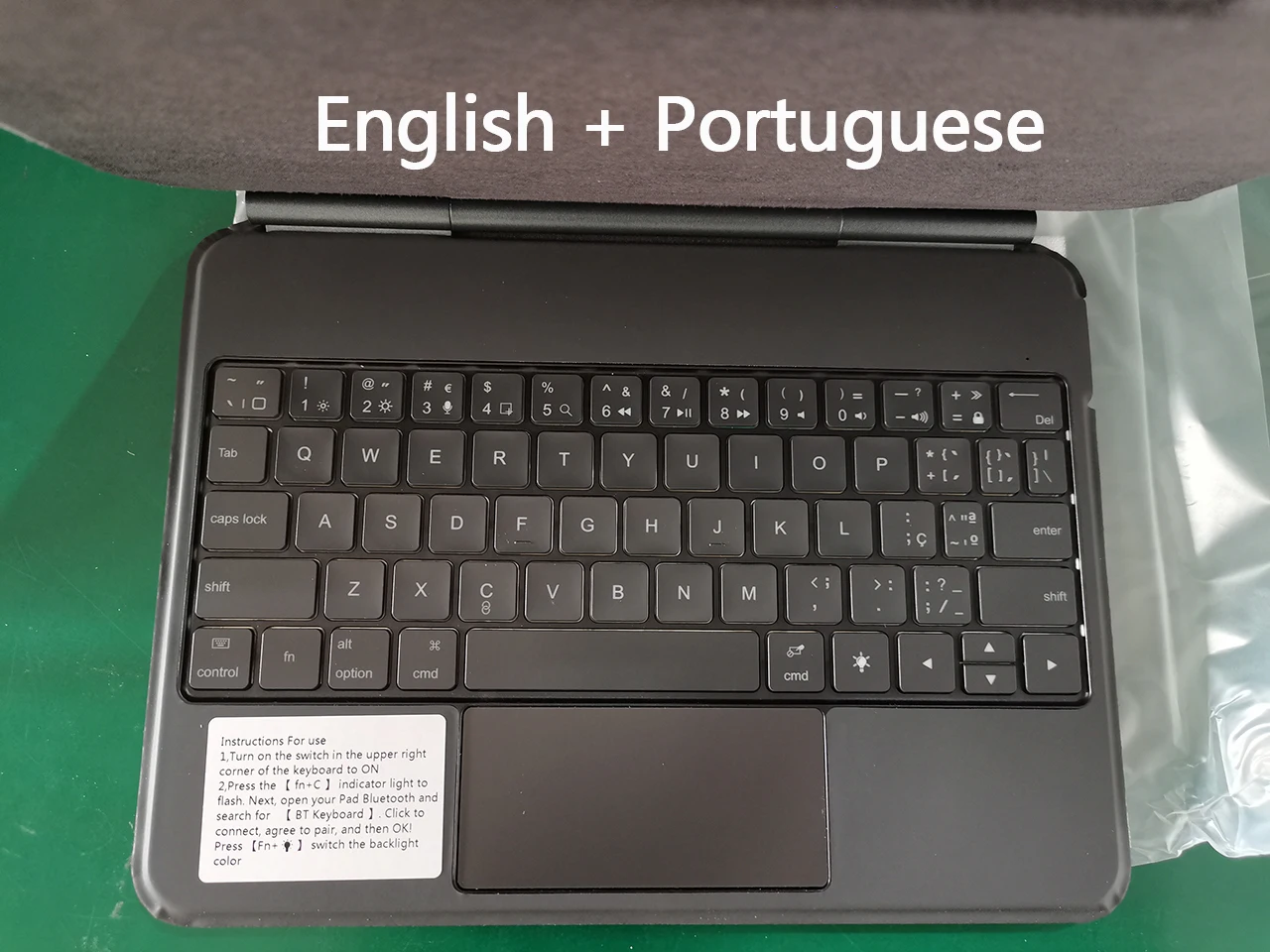
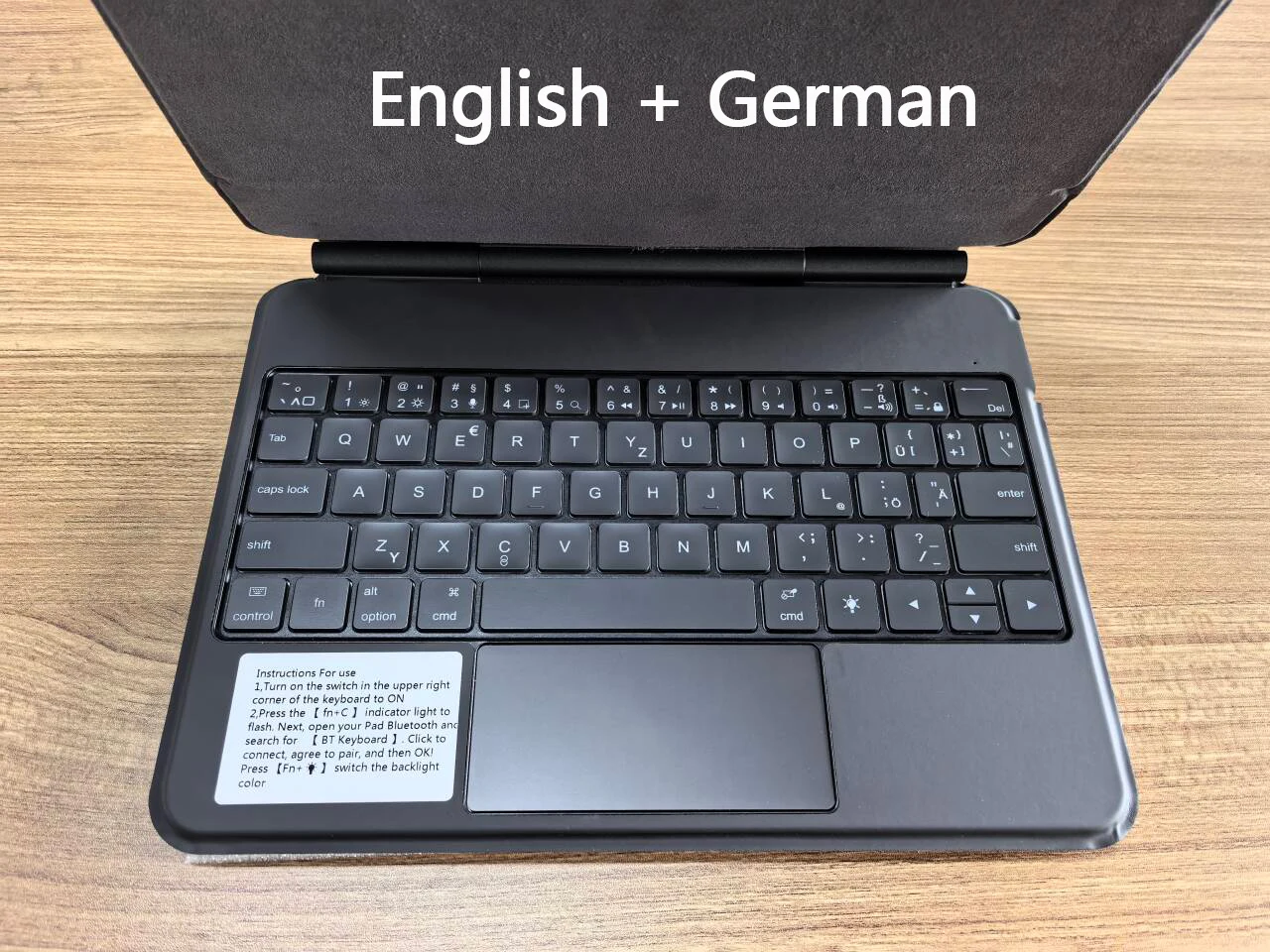
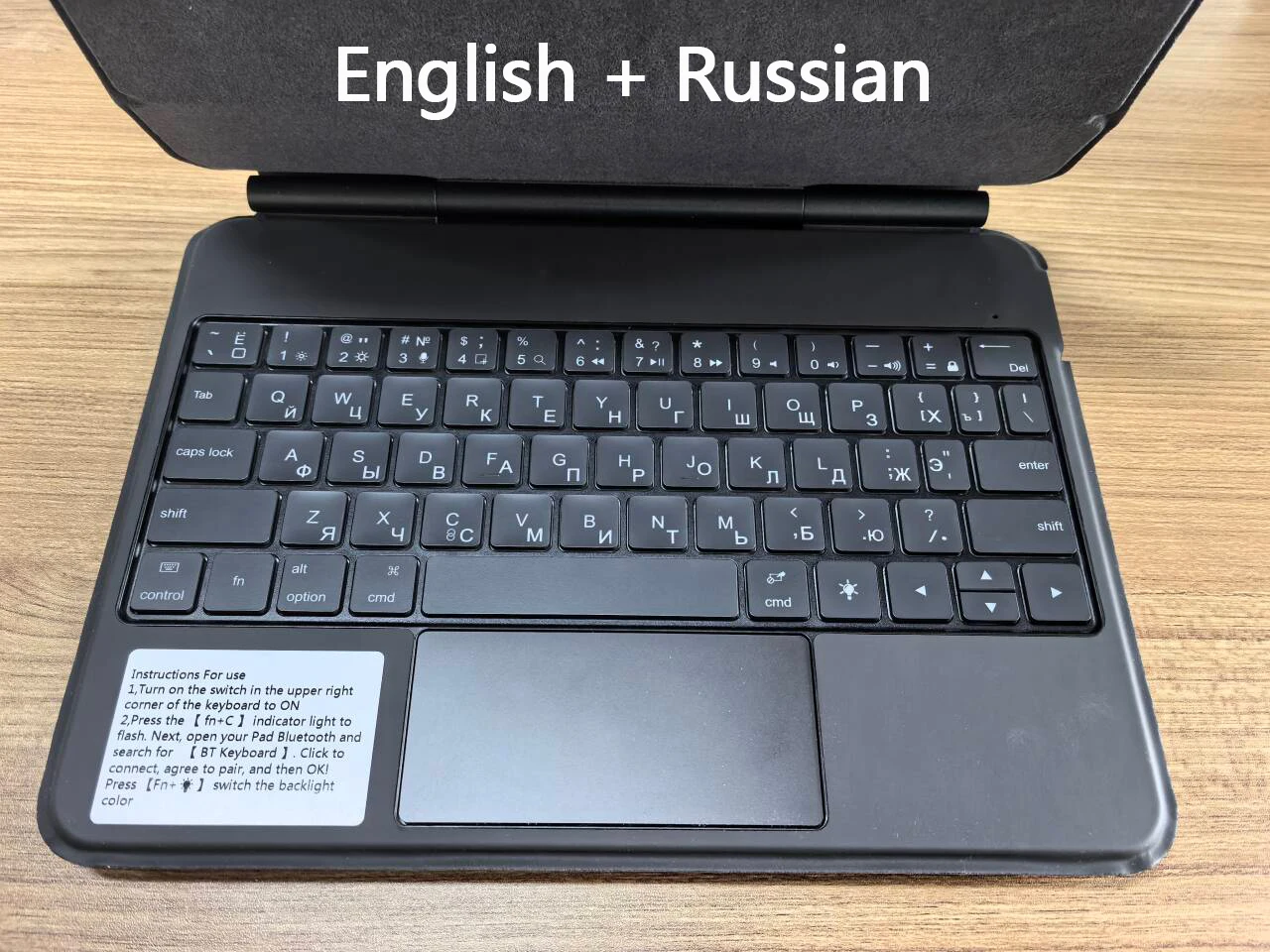
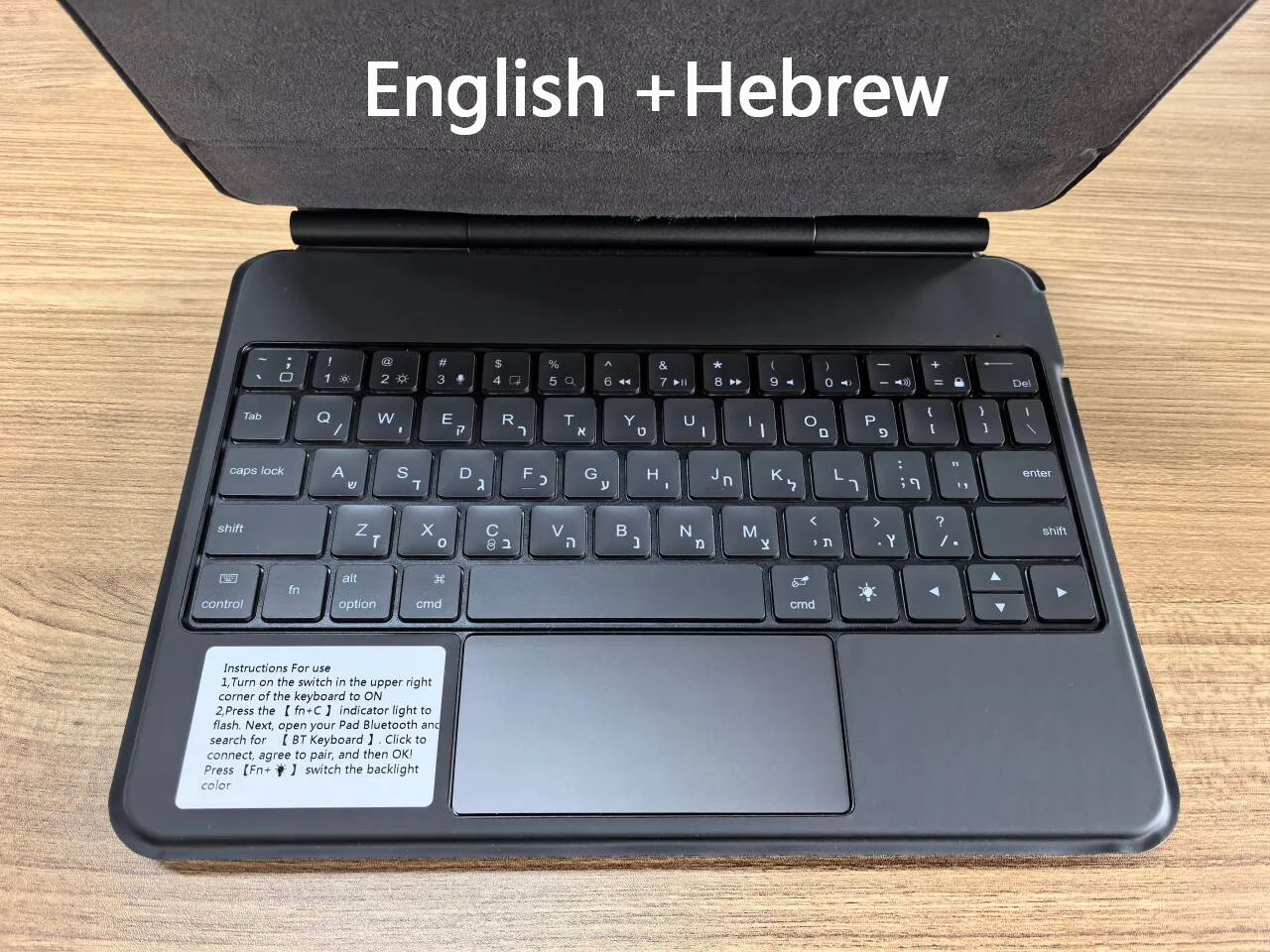
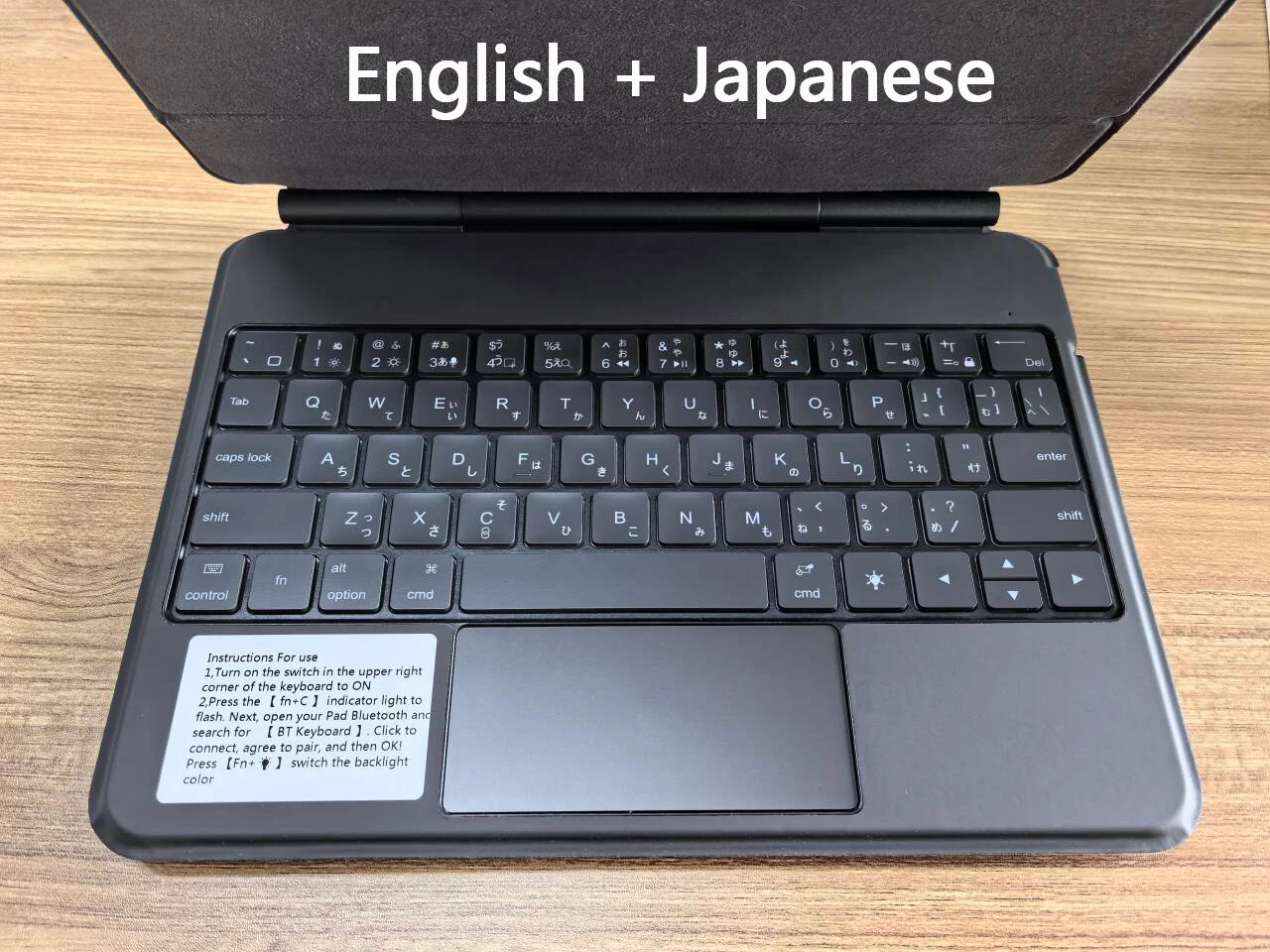
English versionkeyboard : There are English letters on the keyboard only.
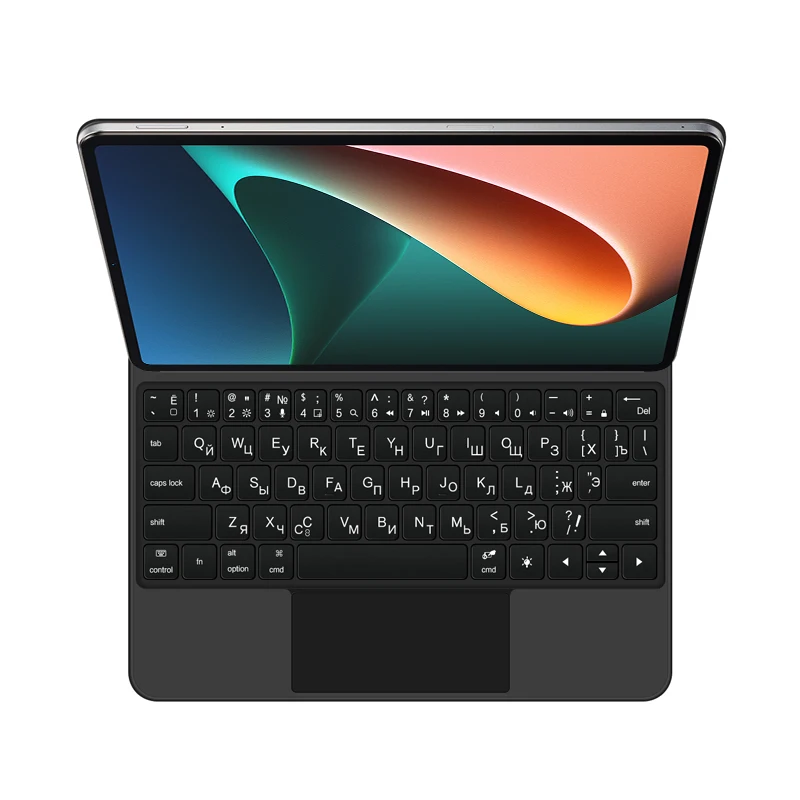
Multi-language versionkeyboard : English letters and carved language letters together ..【For example, if you choose Spanish, the keyboard will display English and Spanish letters. Please note that the same letters will not be engraved repeatedly】(Due to the difference in the number of keyboard keys compared to a normal office keyboard, some special character engraving positions are the same, which is a normal phenomenon)
The keyboard Core defaults to English, and the characters engraved on the keyboard are only a Surface display.so in some countries, even if the input method is switched, the special symbols do not necessarily match the keyboard function layout(You can hold down the Shift combination).If you mind, please do not purchase!!.
(Pictures are for reference only)
【1】 Method of connecting Bluetooth: Turn on the keyboard switch, press the Fn+C button for about 2-3 seconds, the blue light on the keyboard indicator will flash, then search for the Bluetooth (BT Keyboard) of the tablet and click to connect.
【2】After connecting the keyboard - Open Settings - Pen and Keyboard - Physical Keyboard - Set Keyboard Layout - Select the desired language..
【3】Input method switching: control+spacebar.(Choose the language you need)
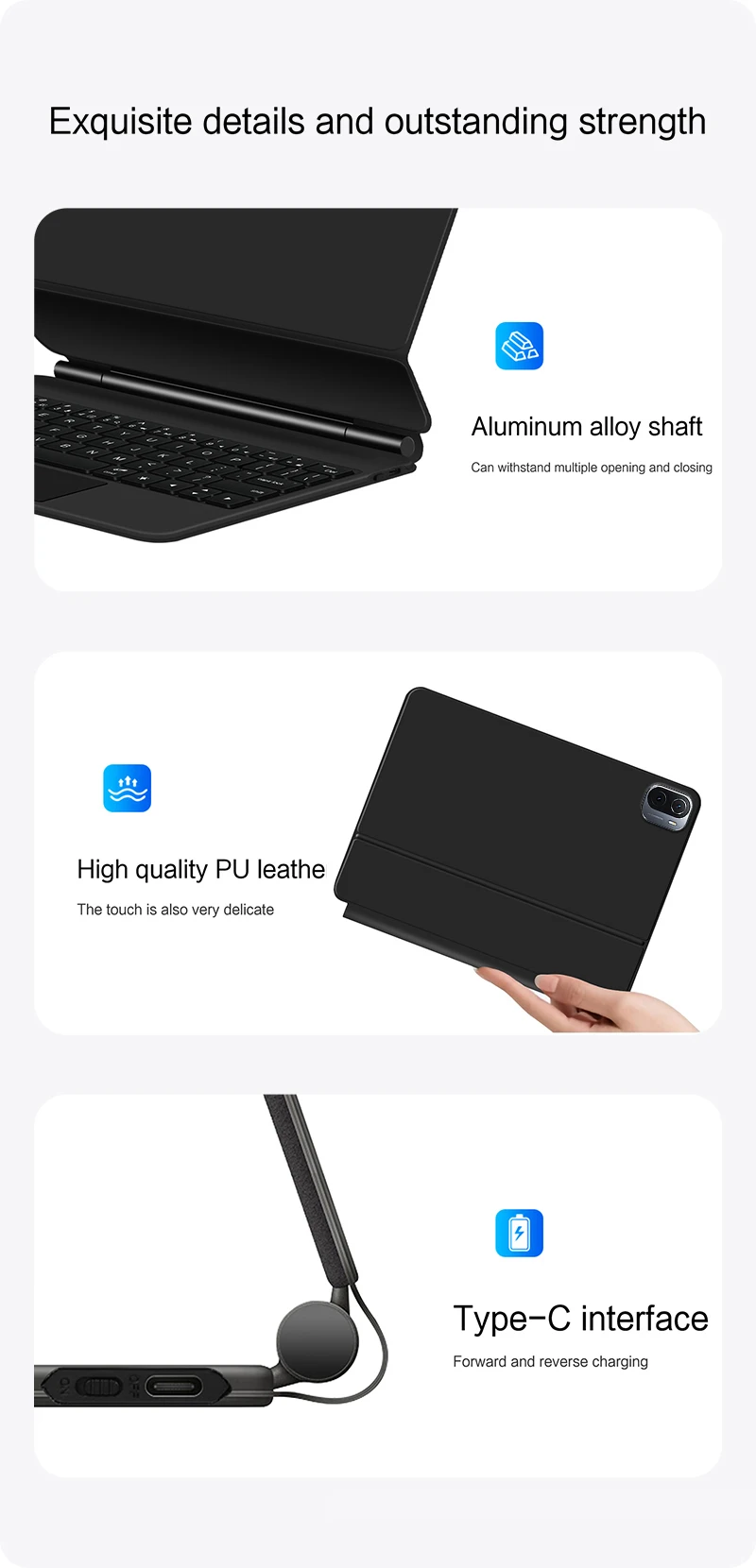
【4】Type-C charging interface, with switch button, wireless Bluetooth .
【5】For detailed instructions, please read the user manual. If you have any questions, you can contact "Online Services" for consultation .
The resolution of the machine is different, and there may be color differences in the images, which is a normal phenomenon. The actual product received shall prevail .
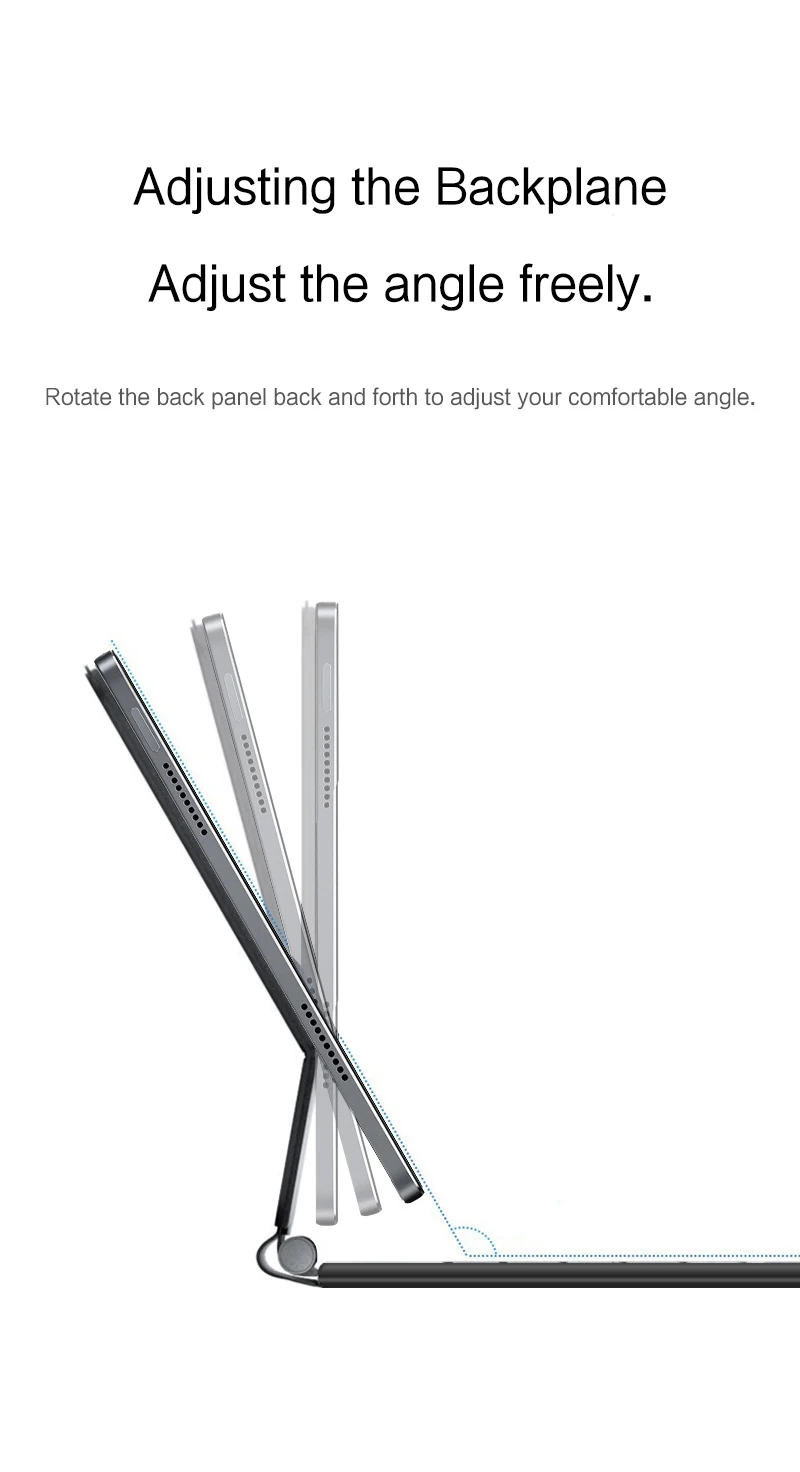
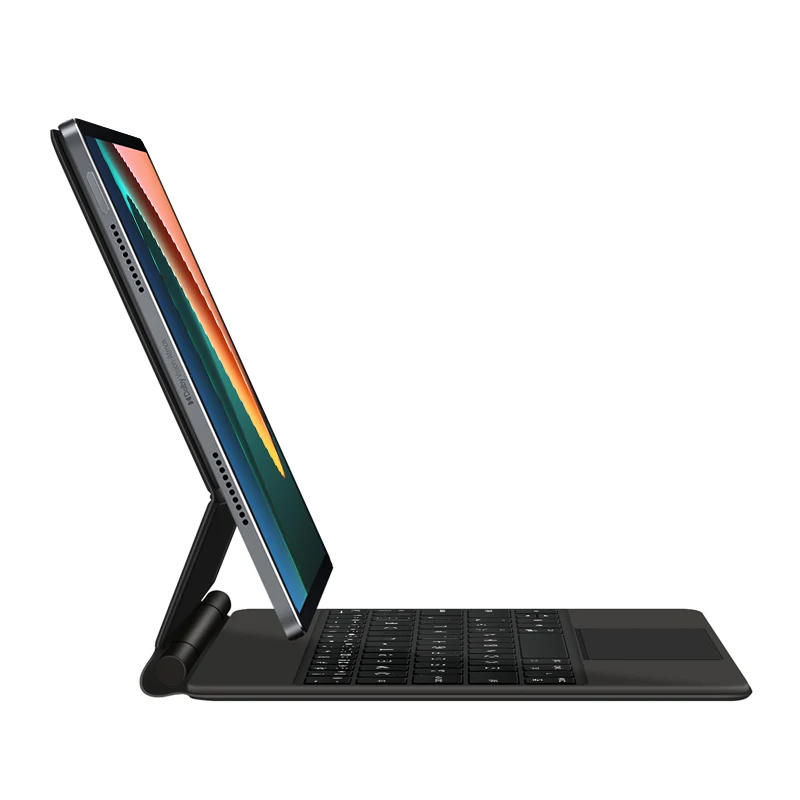
Due to the heavy weight of the tablet itself, it is not recommended to adjust the angle too much when installing the keyboard cover, preferably around 100-110 °
【Realistic photo of keyboard layout】